Phone and Telegram
The same chart in any mobile browser. Sign-in and alerts go through Telegram, and GG-Shot subscribers also open the chart inside the GG-Shot mini app.
Opening it on a phone
The phone clip at the top of this page is that path on the live chart, without a log in.
- Log in with Telegram
- On a phone the chart opens with this window: Open Telegram, then the code from @ggcharts_bot.
- Or just look
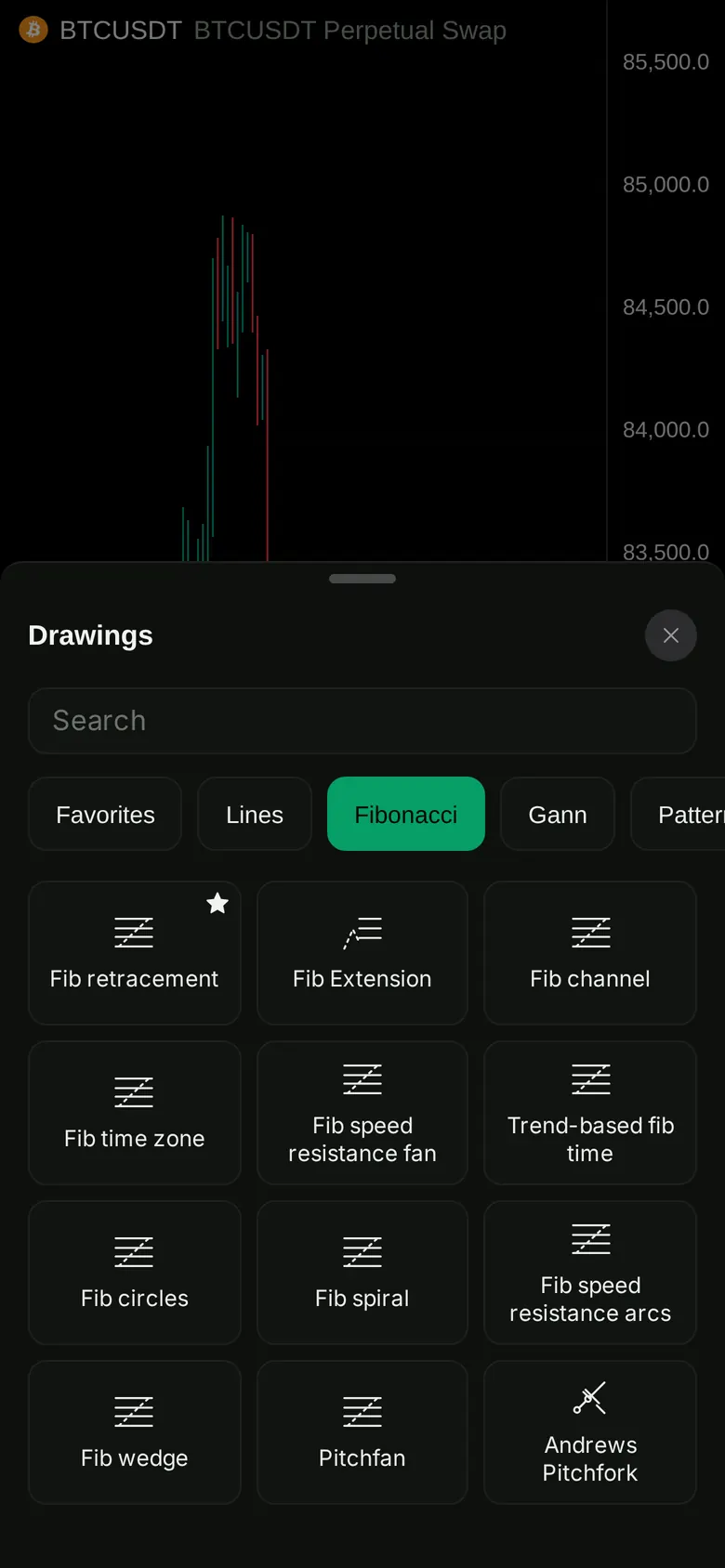
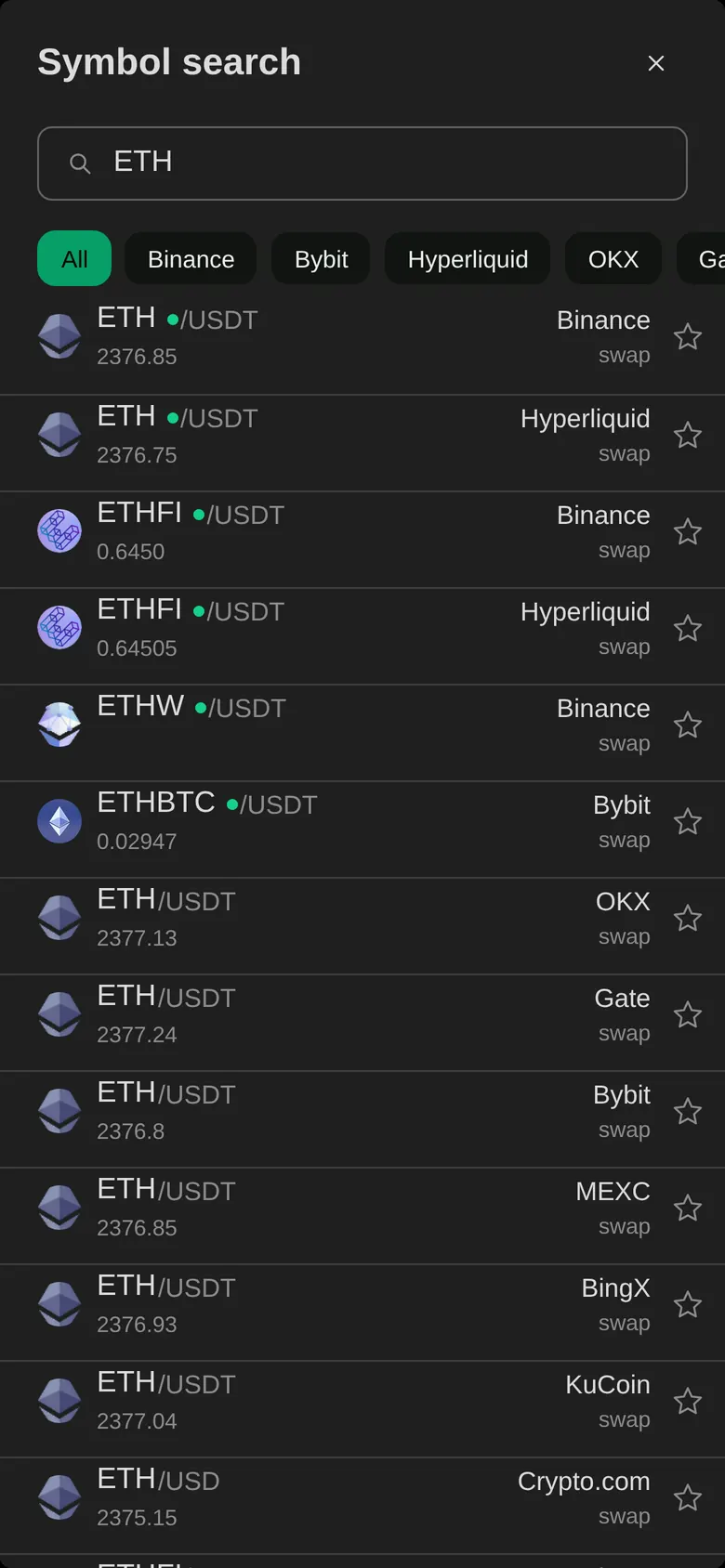
- Close the window with × and the chart opens without a log in: any market, timeframe, drawing tools and Replay.
- What needs the log in
- Alerts, layouts, GG-Shøt, GG-Osc and the assistant, by plan.
Through Telegram
- Sign in
- Press Log in and enter the code from @ggcharts_bot, or press a button in the bot that opens the site signed in.
- Alerts
- @ggcharts_bot sends each trigger with Open chart and Stop alert. Open chart opens the same market and timeframe.
- Bot commands
- /alerts lists your alerts, /account shows your plan and where alerts go.
- GG-Shot mini app
- GG-Shot subscribers can also use the chart inside the GG-Shot mini app.
On the phone
- Gestures
- Swipe through history, pinch to zoom, drag the price scale.
- Drawing and indicators
- The drawing tools and indicators of the desktop, GG-Osc included on Premium.
- Alerts
- Create them on the phone, receive them in Telegram.
- Your plan
- The same plan and the same limits on every device.
Per plan
The same plan and the same limits on every device.
| Feature | Free | Pro | Premium |
|---|---|---|---|
| Active alerts | 5 | 50 | 200 |
| Alerts in @ggcharts_bot | Yes | Yes | Yes |
| Your own Telegram bot | No | Yes | Yes |
| GG-Osc oscillator | No | No | Yes |
| AI assistant on the chart | No | Yes | Yes |